Art with Ms. Djordjevic
  • Home
  • Contact
  • Classes
    • Photo I
    • Photo II
    • Photo III :: Semester I
    • Photo III :: Semester II
    • Photo IV :: Advanced Photo
  • Resources
  • Online Courses
  • Home
  • Contact
  • Classes
    • Photo I
    • Photo II
    • Photo III :: Semester I
    • Photo III :: Semester II
    • Photo IV :: Advanced Photo
  • Resources
  • Online Courses

Photo I

This class explores the basics of traditional black and white photographic printing as well as digital photographic processes using Adobe Photoshop. We will examine both the aesthetic and technical aspects of the photographic process through several method based assignments. The uses of metering, lighting, composition, and technical aspects of the camera will be reviewed during class to give students a basic understanding of the art of photography.

Photo i Course expectations

Interacting Imagery

3/21/2025

 
Picture
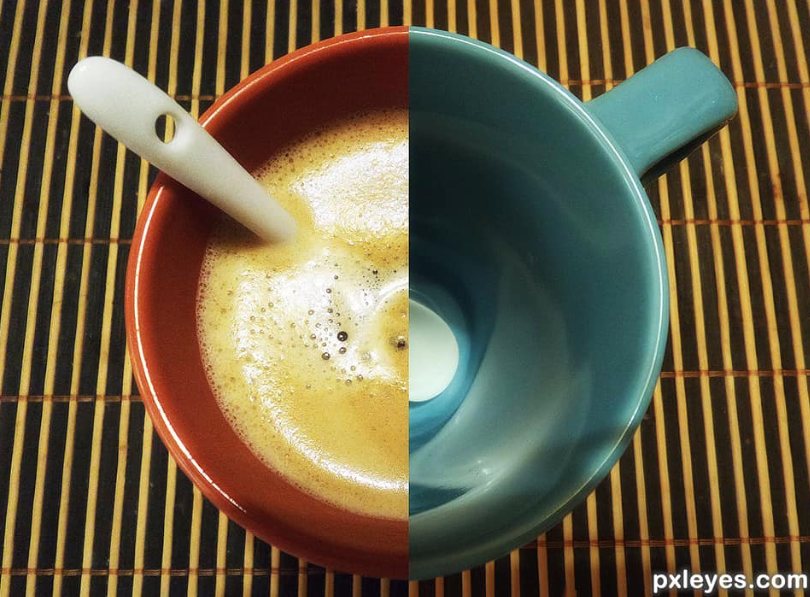
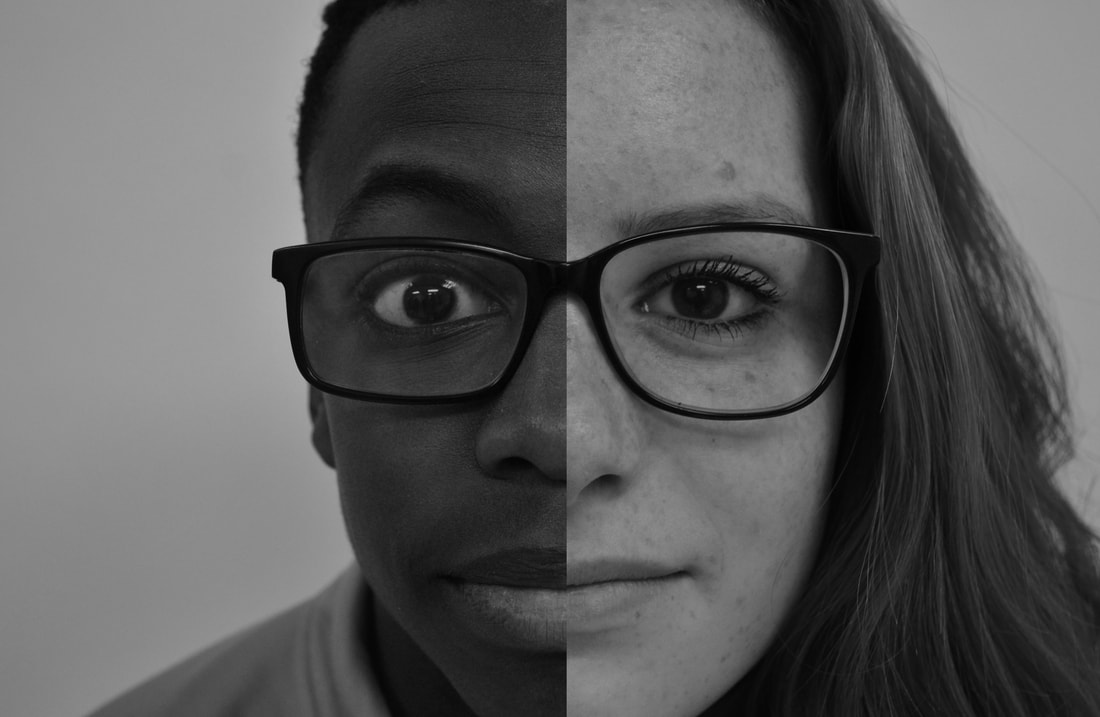
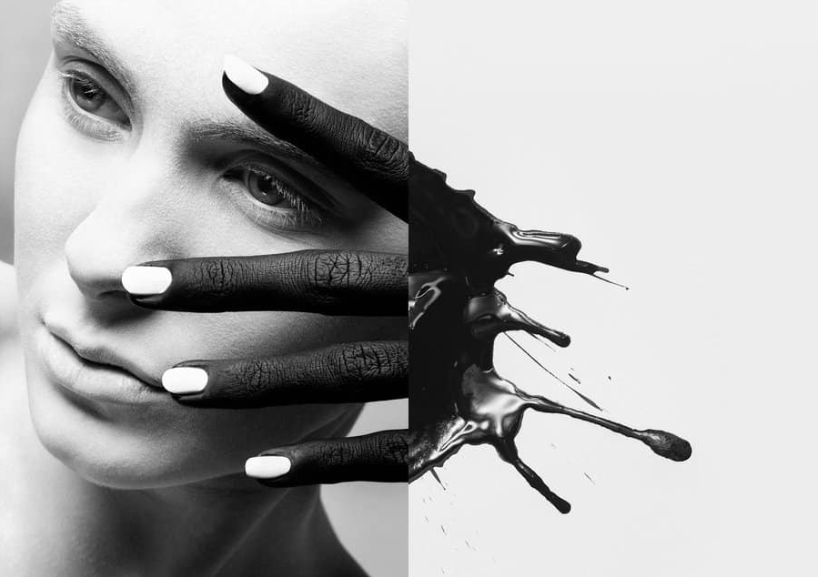
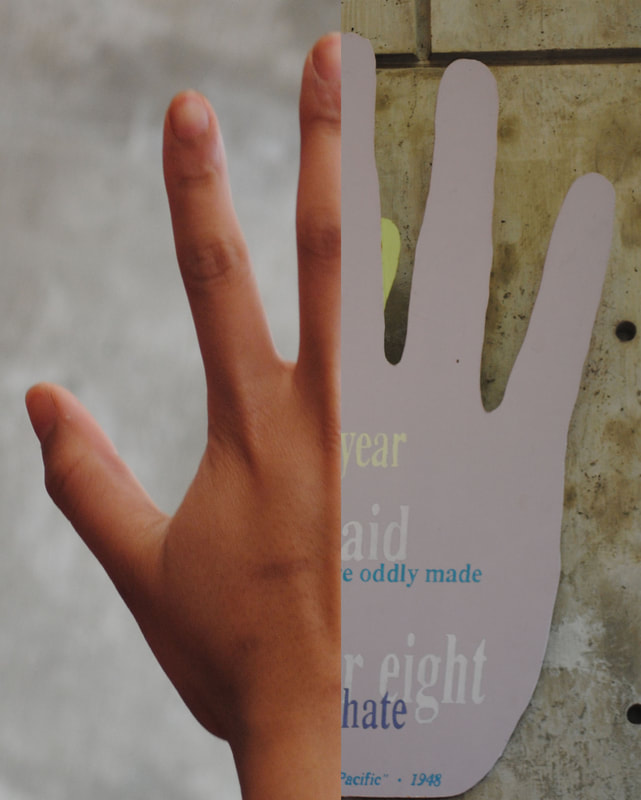
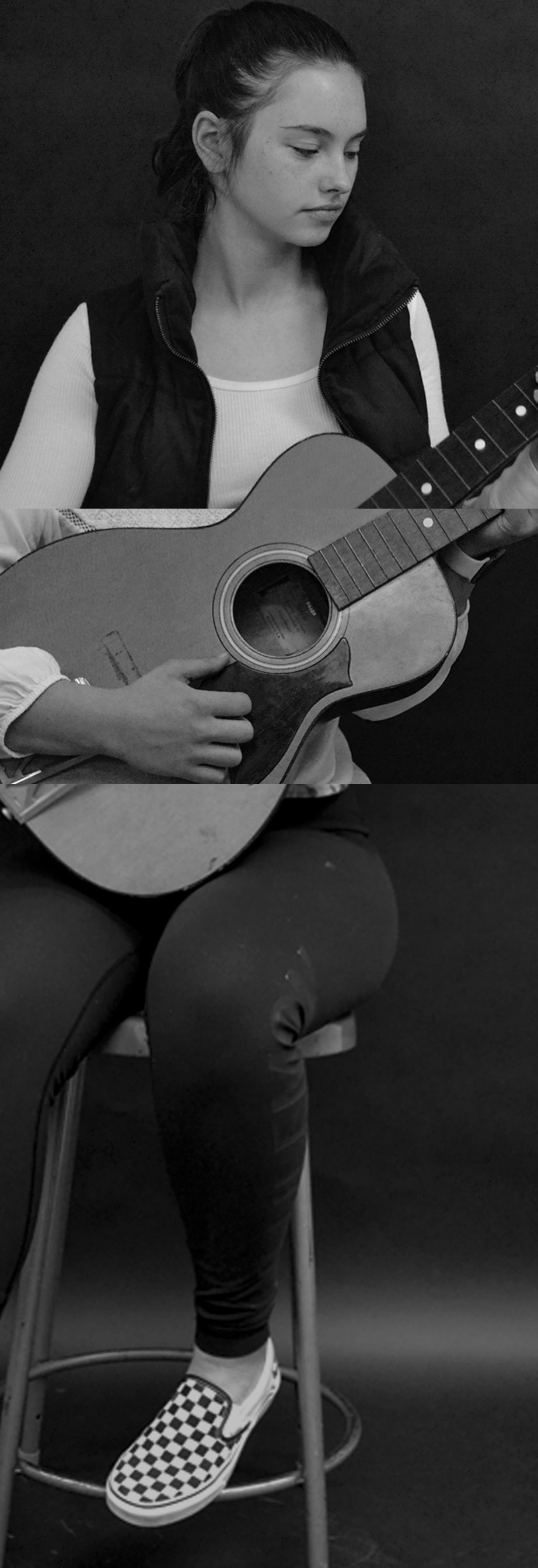
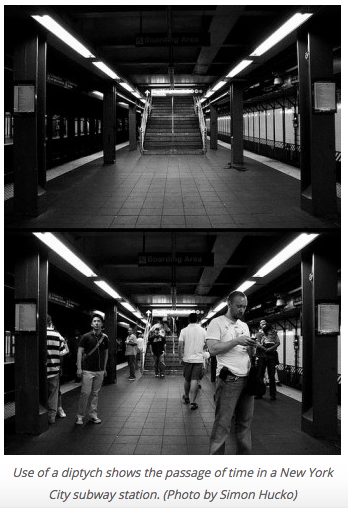
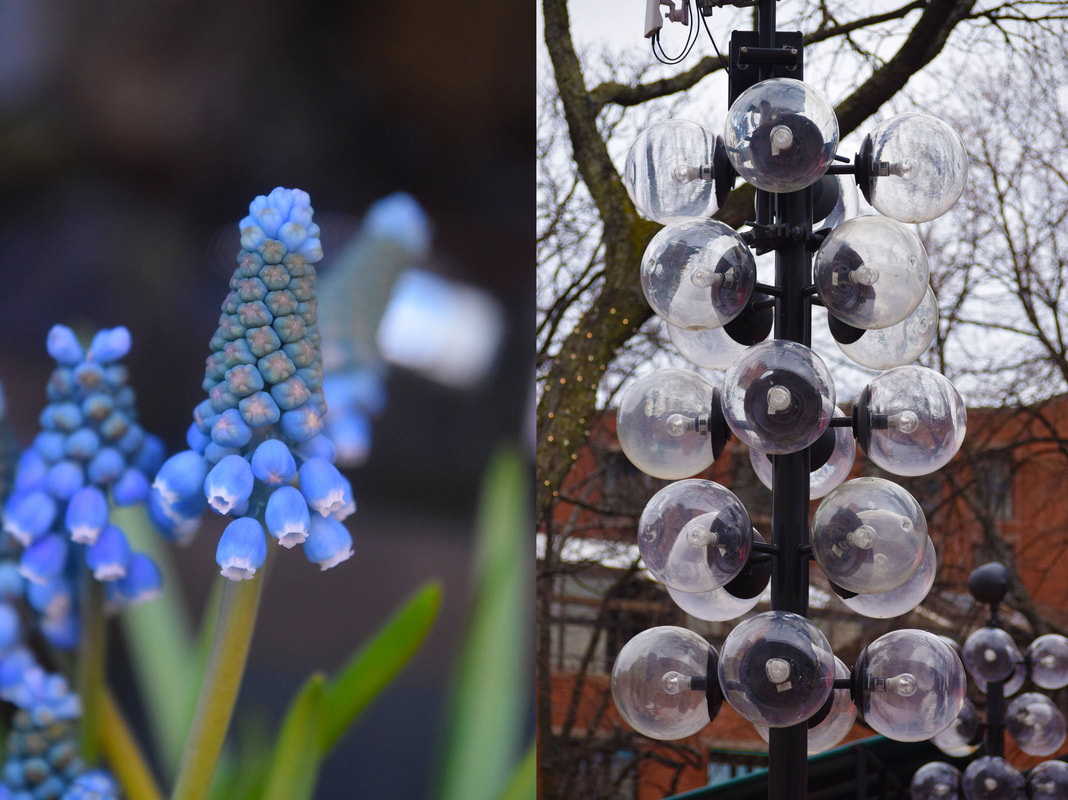
Interacting (or interactive) images are so much fun. We are going to make images in sets of 2 or 3. A diptych is an image that is made up of two separate photographs, and the interacting part is that both images are different but make sense when looked at as one whole image. In this project we will be thinking about the elements and principles of design, specifically in color, tone, contrast, composition, and leading lines. Compose and frame your subject with the whole idea in mind. 
What am I learning?Understanding the concept of diptychs and triptychs  in photography to learn how to create visual relationships between unrelated images and to gain proficiency in Photoshop for image pairing and editing.
Why is this important? Helps us see connections between images, improving our ability to communicate visually. Also encourages creativity & problem solving by challenging us to think critically about how unrelated images can interact to create meaning.
How will I know I am successful? If I have created a diptych or triptych where multiple images interact meaningfully. My images are different, but connect well together.
Assignment:

You must photograph 50 frames with interacting diptychs (or triptychs) in mind. You will be putting these together in Photoshop and are responsible for making two or three unrelated things make sense together as one.  

Steps:
  • Have fun with this! 
  • There are two options of how to combine imagery—one is to be funny and have the two frames interact with one another, and the other option is to have two or three frames that make sense with as a whole. 
  • Look closely. Sometimes combining two or three images together helps you to tell a larger story. Maybe you focus closely on something in one and then further away on another.
  • Contrast and juxtaposition are important in this project, sometimes contrasting two different things (white and black, full and empty) can help your idea  

*Check out the Pinterest interacting imagery board for more inspiration

Comments are closed.

    Enter your email address:

    Delivered by FeedBurner

    Archives

    March 2025
    May 2024
    March 2024
    February 2024
    October 2023
    January 2023
    September 2022
    November 2021
    September 2021
    June 2021
    April 2021
    March 2021
    February 2021
    January 2021
    December 2020
    March 2020
    December 2019
    November 2019
    May 2019
    April 2019
    March 2019
    February 2019
    January 2019
    September 2018
    April 2017
    September 2016
    April 2015
    September 2014

    Categories

    All

    RSS Feed

Proudly powered by Weebly